

Thank you for purchasing the

Here is what to do next
Step 1
Create your Account
Create your account using the Referral Code found under Step 1 within the Getting Started card inside your Starterkit.
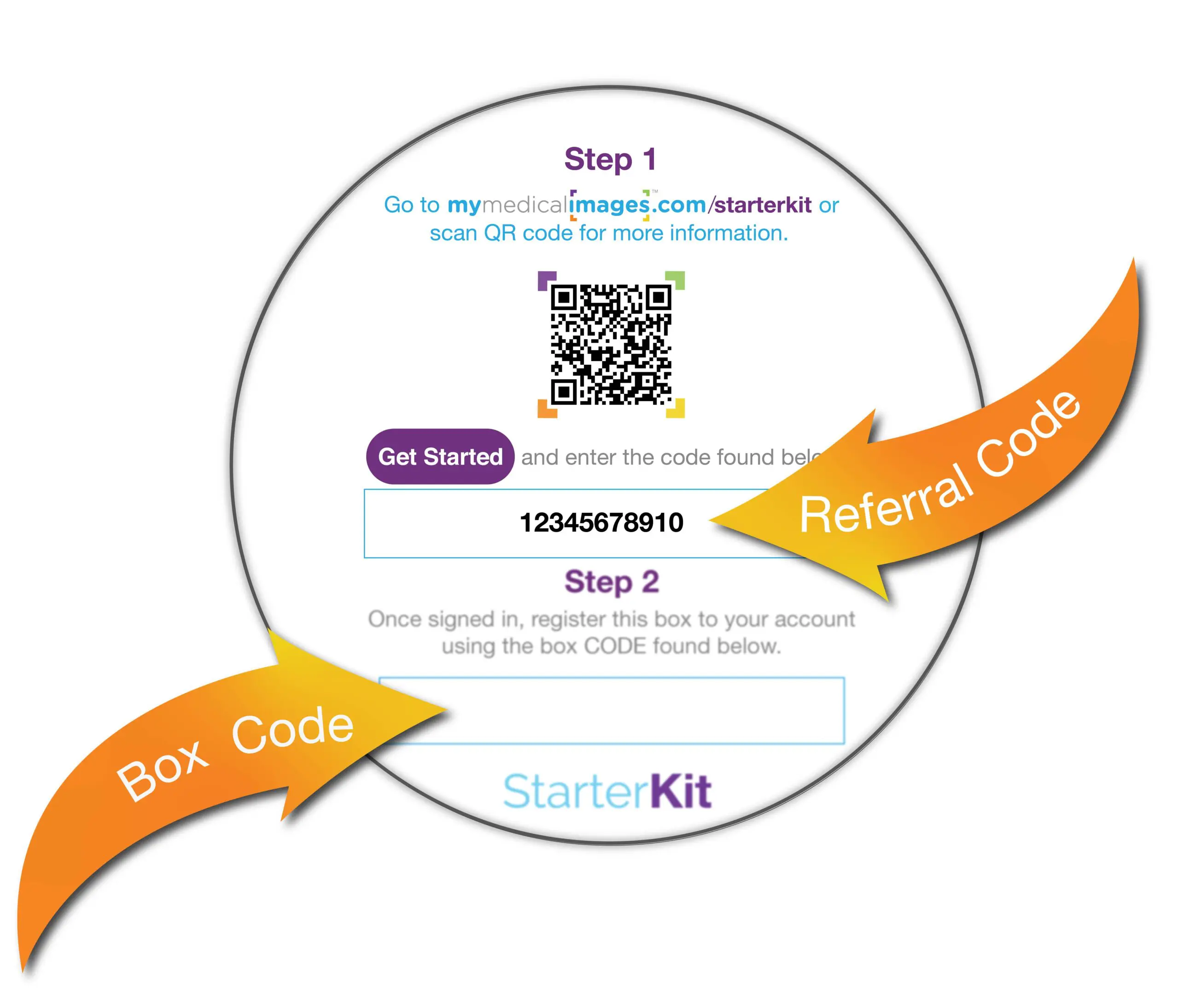
If you already have an account, contact support to apply the code to next year’s subscription.
Customer Support at support@mymedicalimages.com
or Call 1-800-203-4771 or chat with them right now!
Step 2
Register your
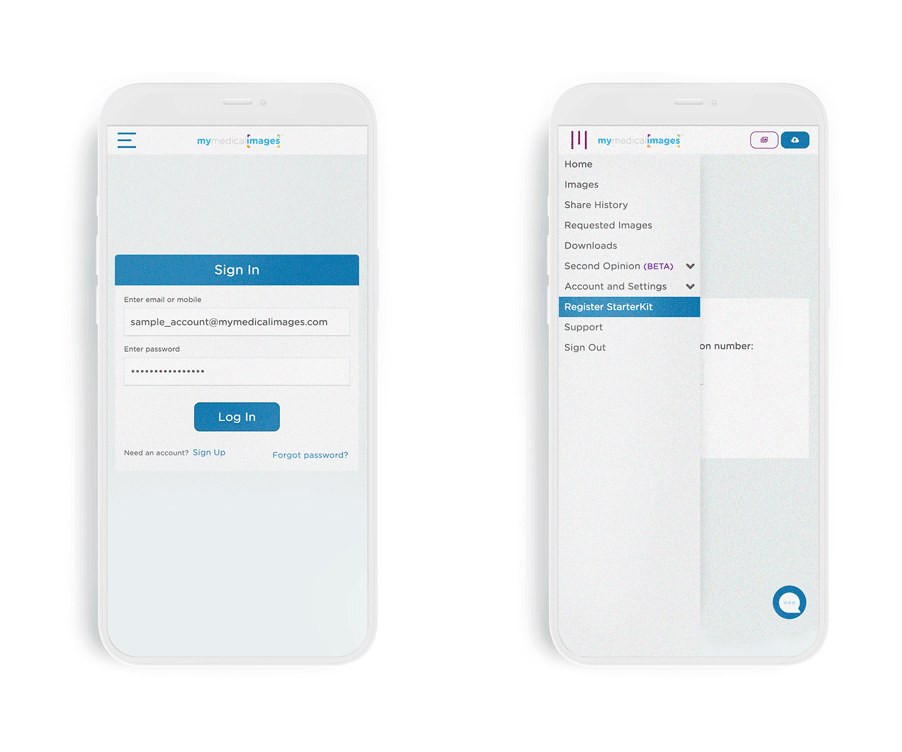
Once signed in to your account, click the menu and select “Register Starterkit”.
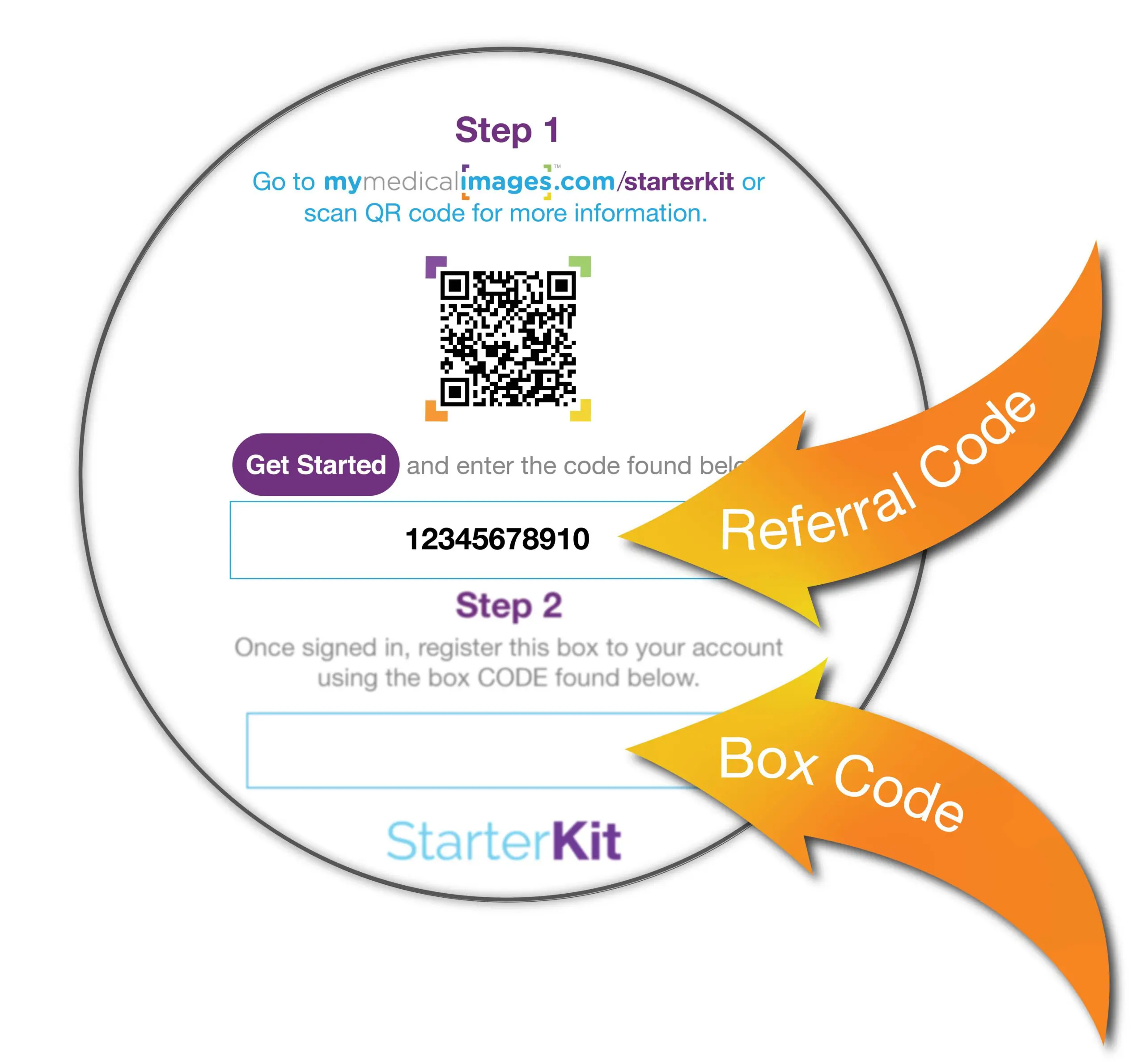
Enter your unique Box Code that is provided in Step 2 within the Getting Started card inside the Starterkit.
Step 3
Send Back your
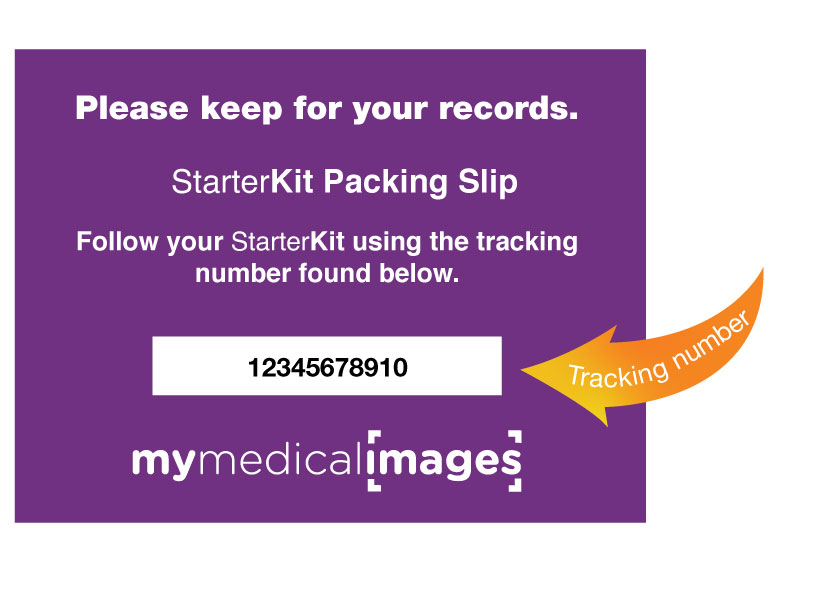
Mail your starterkit to us and keep the packing slip to track StarterKit.

Step 4
Check your email for updates
Wait for an email from mymedicalimages® for processing updates.