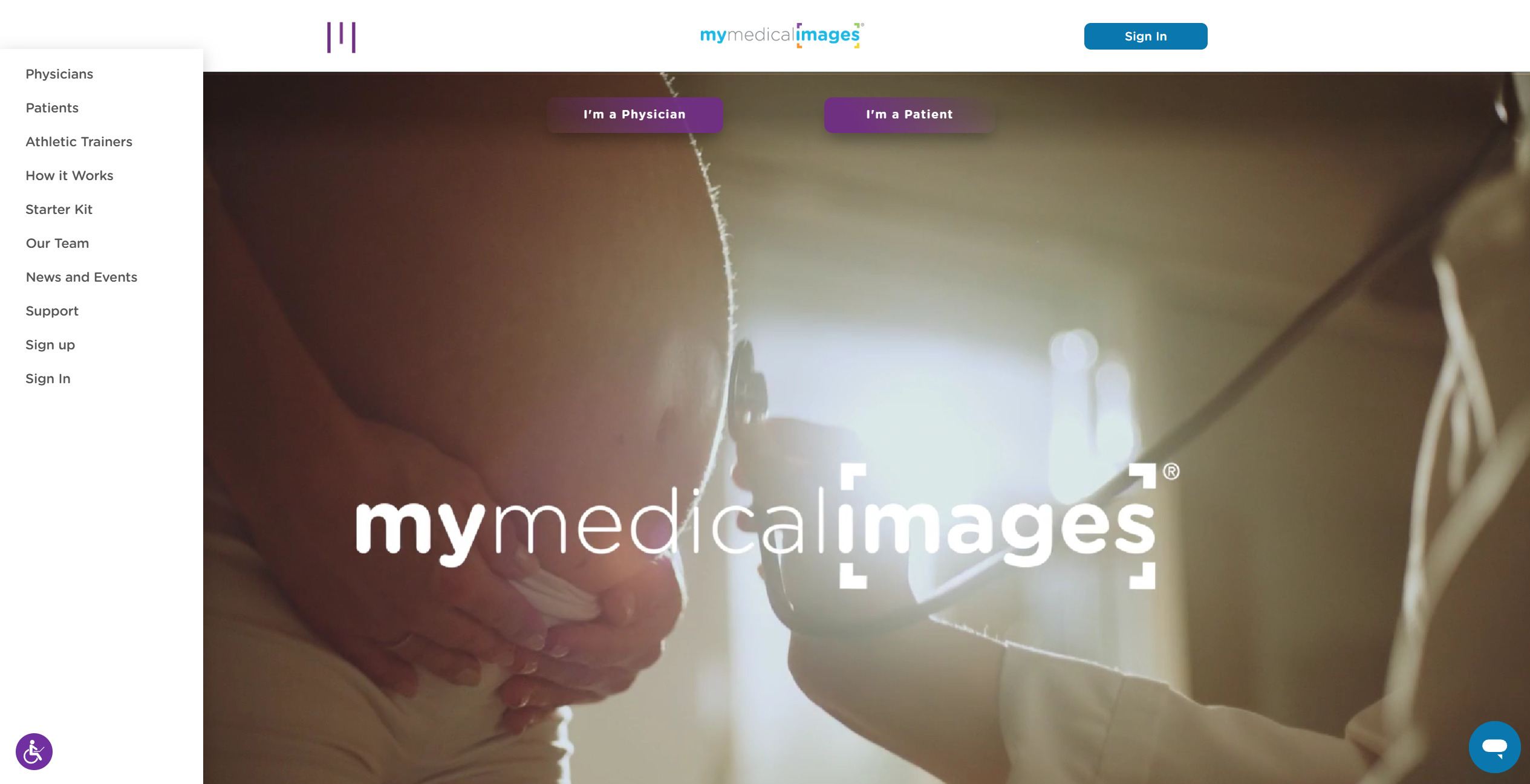
Navigating the Homepage
Creating an account: From the home page, you can create an account by clicking on the green ‘Get Started’ button located on the left-hand side of the screen.
Logging In: If you already have an account with mymedicalimages, you can move to the Log-in screen by clicking on the ‘my Images’ button in the top right-hand corner of the site, or by clicking on the blue ‘sign in’ button located next to the ‘Get Started’ button.
Accessibility: In order to access our sites accessibility options, you can click on the purple ‘paper doll’ button in the bottom left-hand corner of the screen.
Support Chat: If you need to speak directly with a member of our Support Team, you can access our live chat by clicking on the blue chat bubble in the bottom right-hand corner of the screen.

Menu Items
You can also access more options by clicking the purple menu icon in the top left-hand corner of the site. From here, you can learn more about our products and services by visiting the following links:
How it Works: This page will give you a brief explanation of what our site’s function is, as well as how to use some of the features.
Starter Kit: This page will allow you to order a Starter Kit for our website, a service which lets you ship your CD’s directly to our office for processing and uploading to our site.
Our Team: This page contains our mission statement, head of staff, members of the board and key opinion leaders associated with our company.
my Story: Here you can share your story about how mymedicalimages affected your life, as well as read stories from around the world that various customers have shared about their experience with mymedicalimages.
Support: This will direct you to our Frequently Asked Questions page, as well as give you the phone number for our Customer Support Team.
Sign up: This option works similarly to the ‘Get Started’ button, and will take you to account creation.
Sign In: This button is an alternative method to access the sign in page.
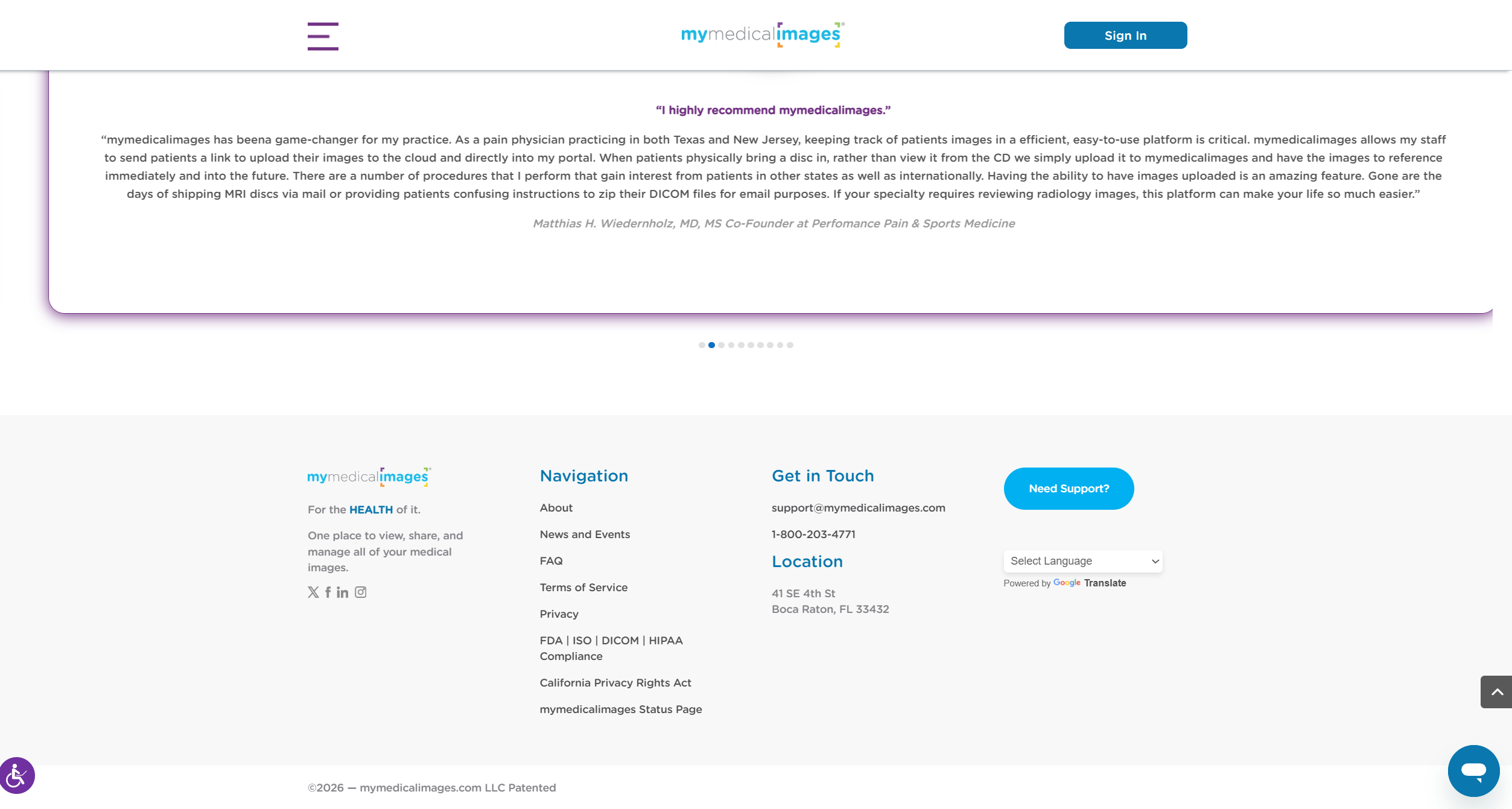
Additional Information
Located at the bottom of our page are a variety of links that will take you to pages detailing some information about various aspects of our company.
About: This link contains our mission statement, head of staff, members of the board and key opinion leaders associated with our company.
FAQ: Clicking this will take you to our Frequently Asked Questions board, as well as provide you with the phone number for contacting our Customer Support Team.
Terms of Service: This will take you to our Terms and Conditions page, which will detail everything that is considered agreed upon by you while using and navigating our site.
Privacy: This page will detail our privacy policy, as well as how we handle our data security and protection of digital information.
Give 5: Here you will find our policies for the use of gift cards in relation to our product.
FDA | ISO | DICOM | HIPAA Compliance: This page will let you take a look at how mymedicalimages complies with the various forms of data compliance.
Social Media
In the bottom left of the page, you will find links to our Twitter, Facebook, LinkedIn and Instagram accounts.