Using the Sorting Tools
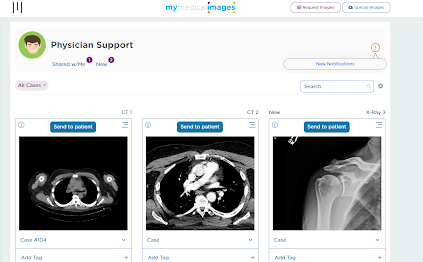
The Dashboard for mymedicalimages.com has a variety of tools you can use to sort through your images. Click the gear icon next to the search bar to open the sorting menu.
These tools include:
Filter By –You can use this option to filter between all of the studies in your account, to display images by their upload method, or limit the display to only studies marked as new.
Sort By – You can use this option to display studies in order from exam date, the patient’s first or last name, the date they were added to the account, or their tags.