

Changing the Layout of the Images
Step 1: Log-in to your mymedicalimages account at https://app.mymedicalimages.com/.
Step 2: Open the image set you would like to view.
Step 3: In the viewer, click on the “Layout” tool, then select the layout you would like to use. The options to choose from are single view, side by side, top to bottom and 2×2.
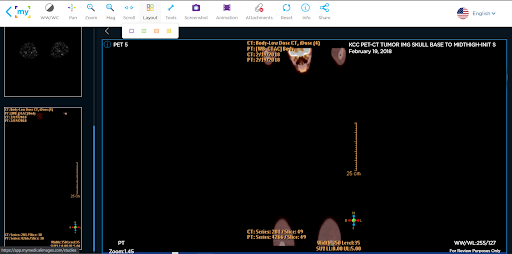
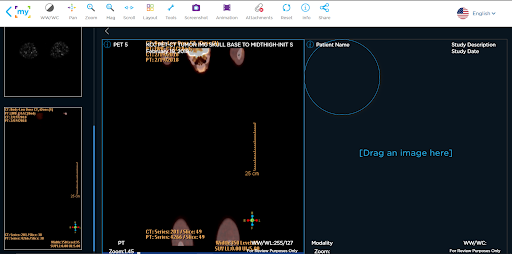
Step 4: After selecting the layout you wish to use, click and drag the images you would like to view from the side bar and put them into the positions you would like to view them.
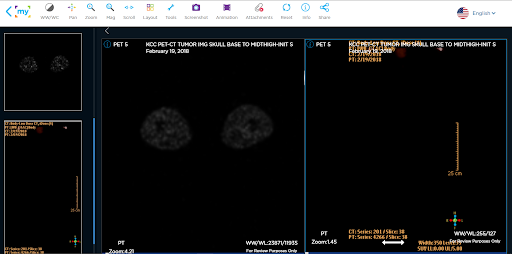
You can revert back to viewing one set at a time by selecting the single view option.


