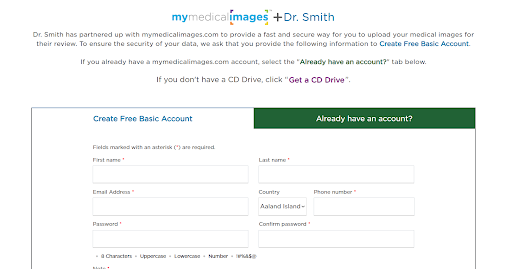
Getting an Uploader Button
The mymedicalimages Uploader Button allows you to add a clickable button to your website for patients to use when uploading their images to your account.
The button currently comes in two color schemes and can easily be embedded anywhere on your site. We recommend placing the button in an easy to find location such as your header or patient resource page.
The button allows patients to create a free account to upload their images directly to your account. They can upload from CDs, ZIP files, Local Folders, or images already in their account.
To enable the Uploader Button feature on your account, contact uploader@mymedicalimages.com or schedule a quick demo with our team.
Once enabled, log into your account and click on the main drop down menu.
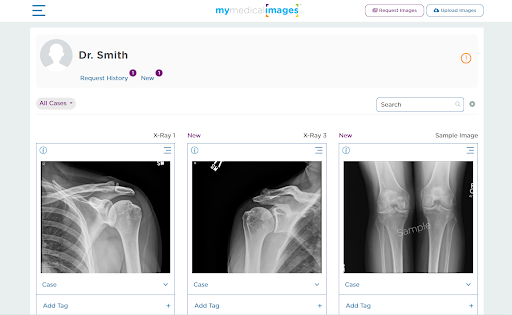
Click on Account and Settings then Patient Uploaders.
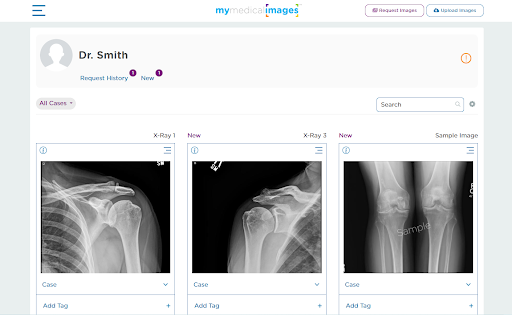
Then open the Webpage Uploader Tab.
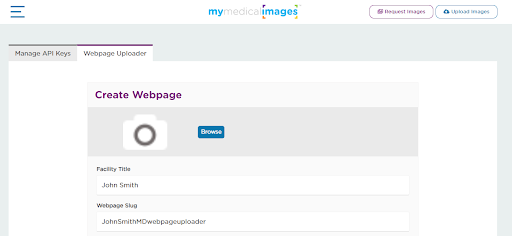
Enter in your Facility’s name and what you would like your URL extension to be and click save. Code will populate for each color scheme, which can be copied and pasted to your website. You will also see your full Uploader Button URL.
Patients will see your Display Name while on your Uploader Page.